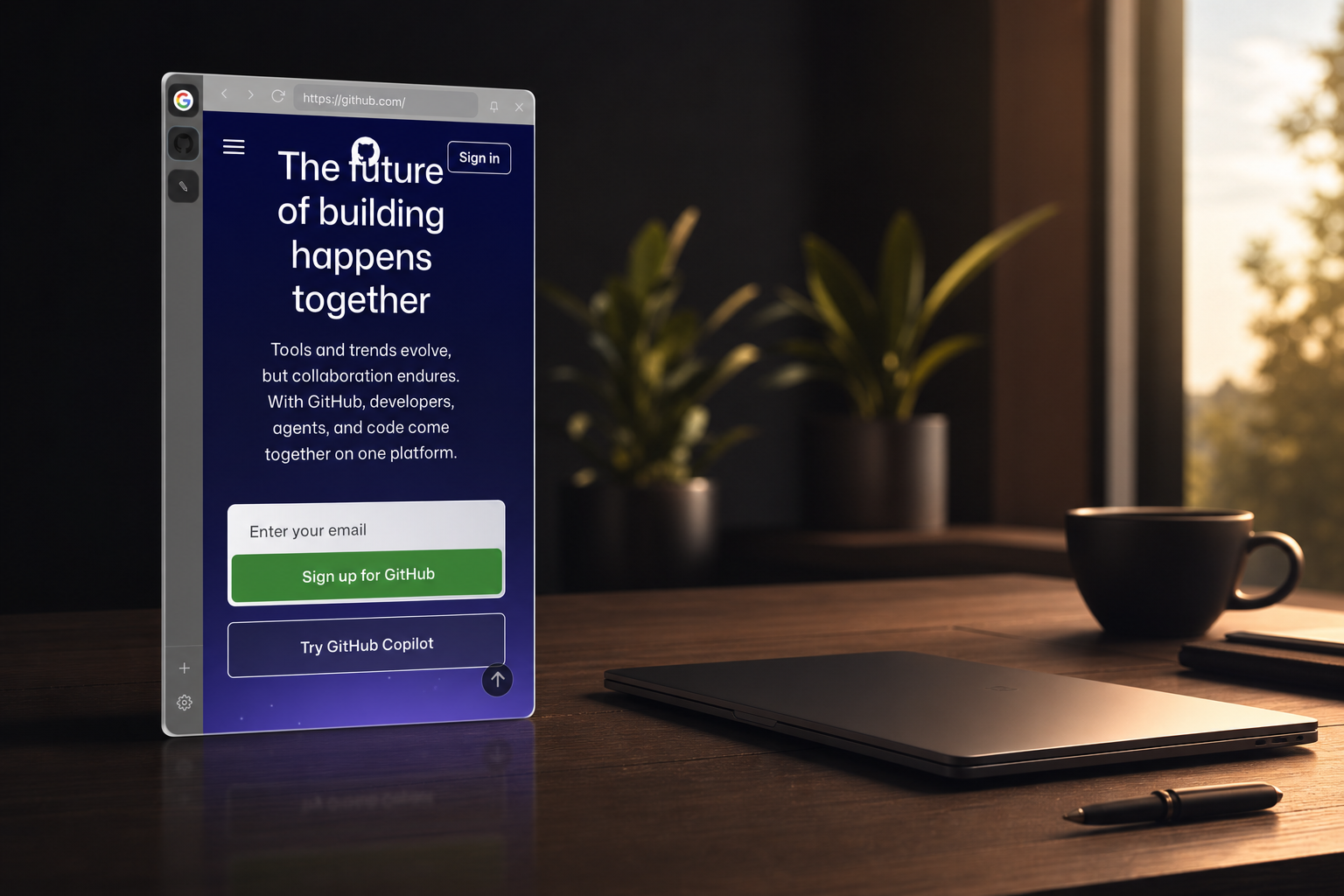
Stop juggling windows.
Your apps come to you.
How it works
Nudge the edge.
There it is.
Glide your cursor to the side of the screen — or press a shortcut — and SideView slides in. Move away and it glides back out. No Dock, no clutter.
- ✓Reveal on cursor hover, or press ⌘⌥S
- ✓Auto-hides the moment you leave
- ✓Pin it open when you want it to stay


Made for the apps you live in
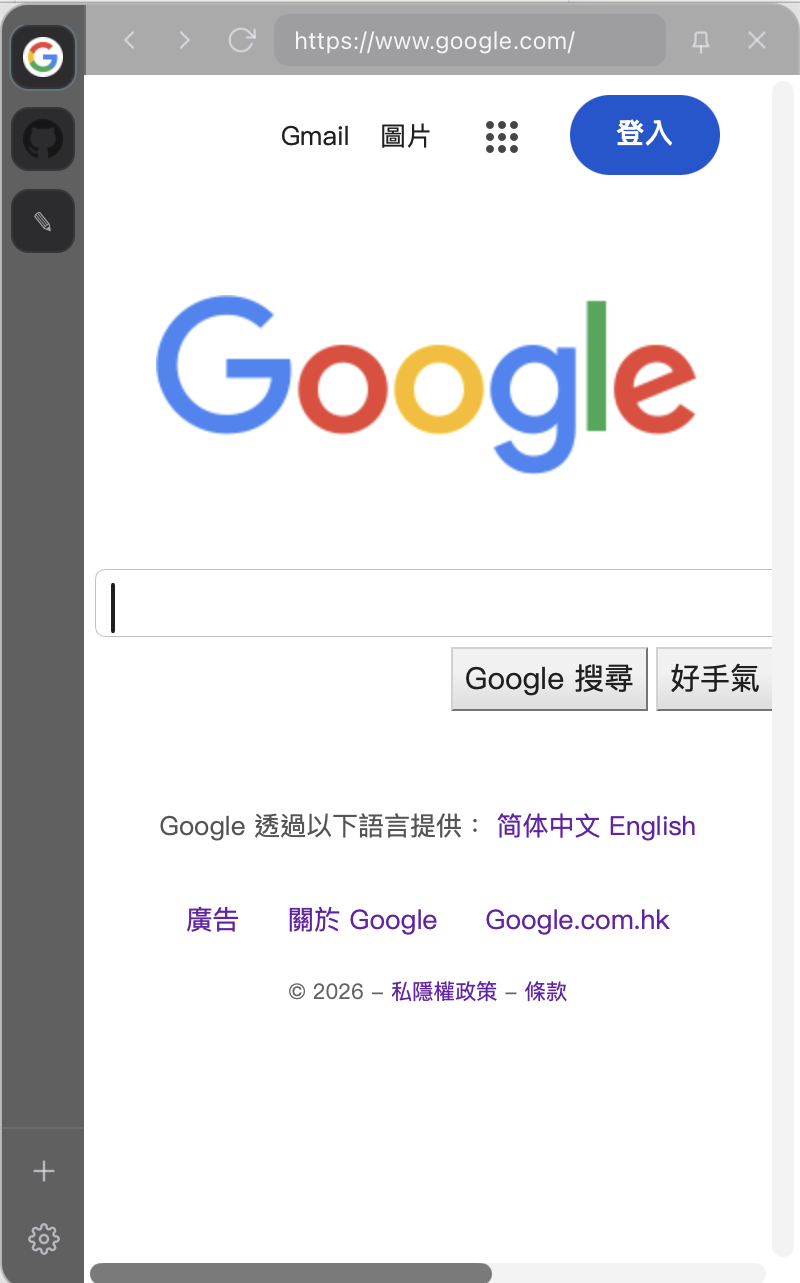
Messaging. Music. Mail.
All a flick away.
Add any site and it stays logged in and ready — switch with a click from the dock on the left.
Not just web apps
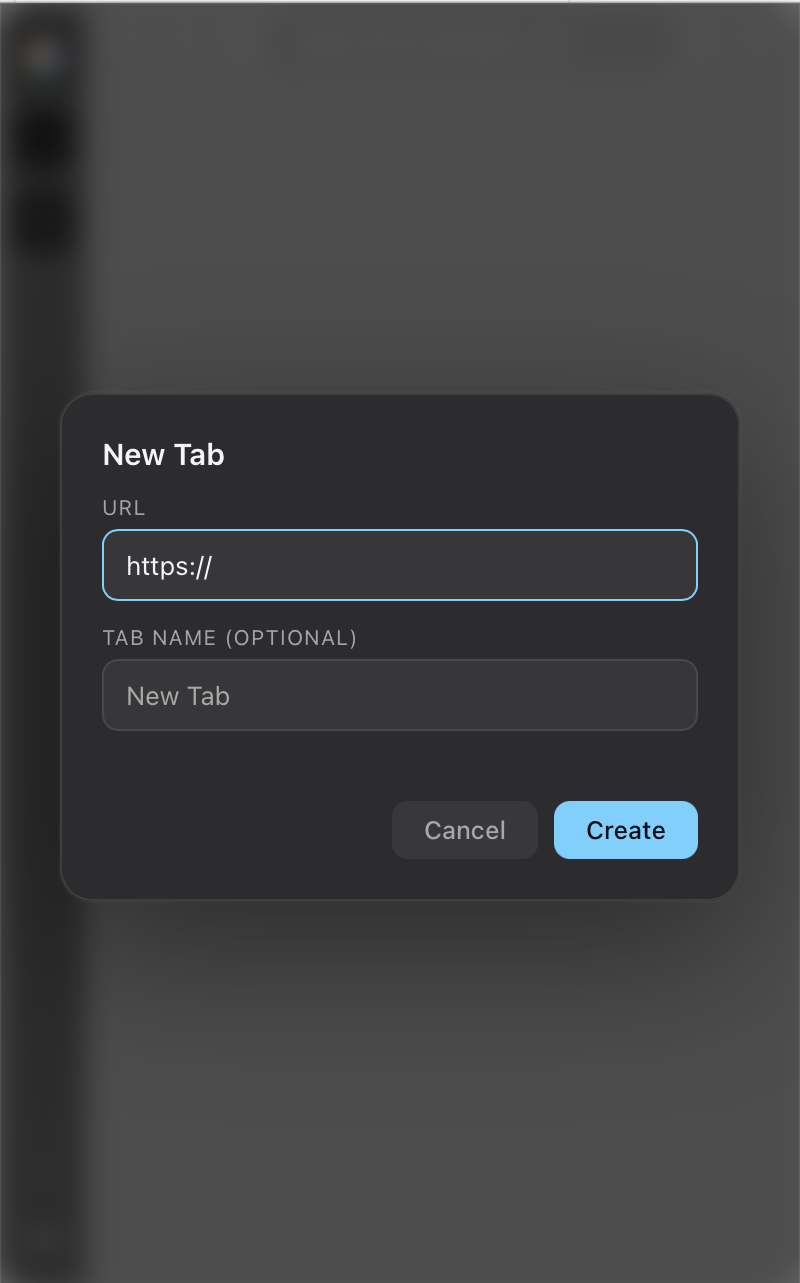
Built-in tools,
always within reach.
A scratch notepad, a clipboard history you opt into, and instant search ride along beside your apps.
Where it runs
Mac first.
Windows next.
Everything shown on this page has been built and run on macOS. The Mac beta is for Apple silicon only; Intel Macs come later. The Windows version is planned and has not been run on a Windows machine yet.
Private by design
Your accounts stay yours.
No password handling
You log in directly with each site over HTTPS. SideView never sees or stores a credential.
Sandboxed apps
Every web app runs isolated and can't reach the app, the clipboard, or your files.
Opt-in clipboard
Clipboard history is off by default and kept in memory only — never written to disk.
Light on your machine.
Heavy on your flow.
Tabs load when you open them and sleep when you don't — so a dozen apps stay a flick away without weighing you down.
Free · MIT licensed · Beta
Bring calm
to your desktop.
SideView 0.1.0-beta.1 · 3.5 MB .dmg · macOS 11 or later · Apple silicon (M1 or newer) only
This beta is unsigned
It is not signed with an Apple Developer ID or notarized yet, so macOS blocks it the first time. A signed build will follow.
- Open the .dmg and drag SideView to Applications.
- macOS 14 or earlier: Control-click (right-click) SideView in Applications, choose Open, then click Open.
- macOS 15 or later: open SideView once and click Done, then go to System Settings → Privacy & Security and click Open Anyway.
- SideView has no Dock icon; it sits in the menu bar. Nudge the left edge of the screen or press ⌘⌥S to slide it in.
SHA-256: 62618327c84154bbc7539d4eb0867d6ab9fb9ade4e371e611ba1a2e60679a6bd
Intel Macs and Windows are coming later. So far this beta has been run on macOS 26 only.